What can you ask 2manyoptions?
Nine questions a 0DTE Iron Condor trader asks, and the page that answers each one. Pro covers the first six; Premium adds three.
How did a session pay, entry by entry?
One Day Zoom maps the backtested entries of a 0DTE session by time and stop, under that day's SPX, VIX and GEX. No account needed.
Open One Day Zoom →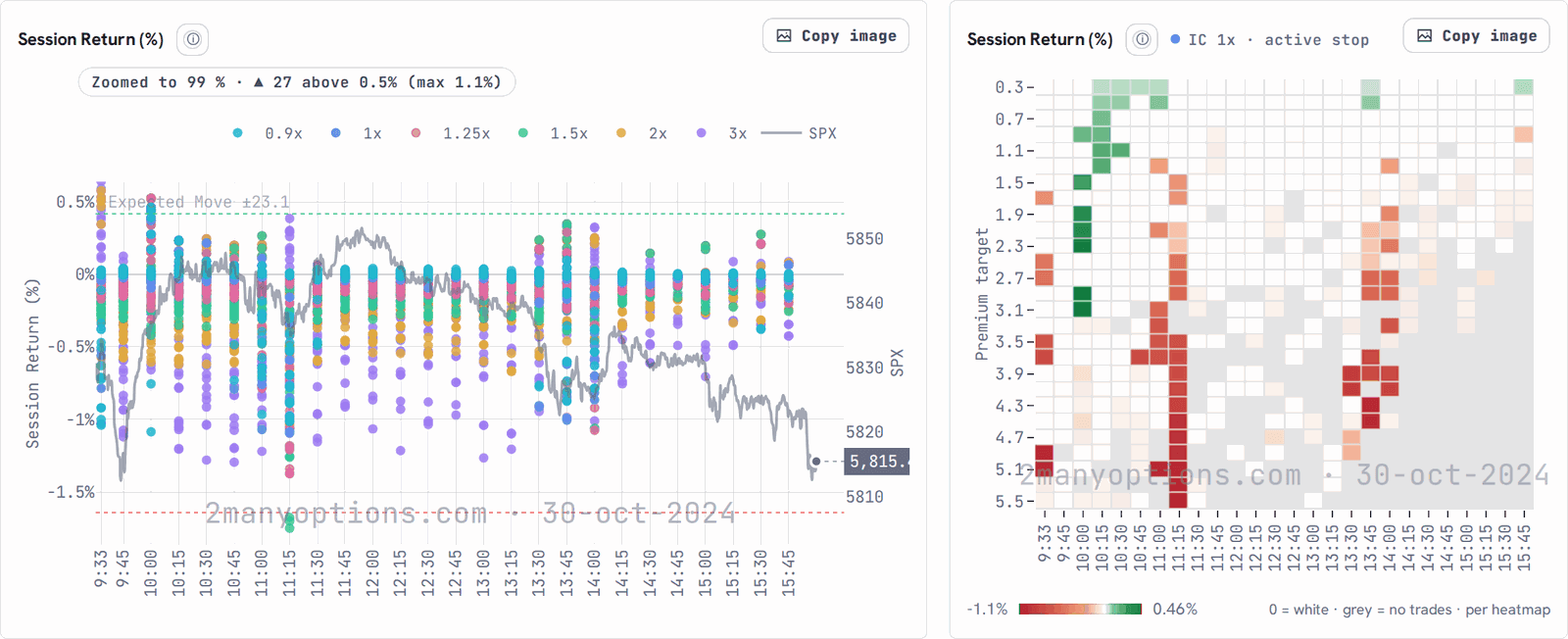
Screenshot · session of 2024-10-30 Where do your own trades land?
PROImport your trades and see them on any session in One Day Zoom, next to the backtested entries.
Open My Trades →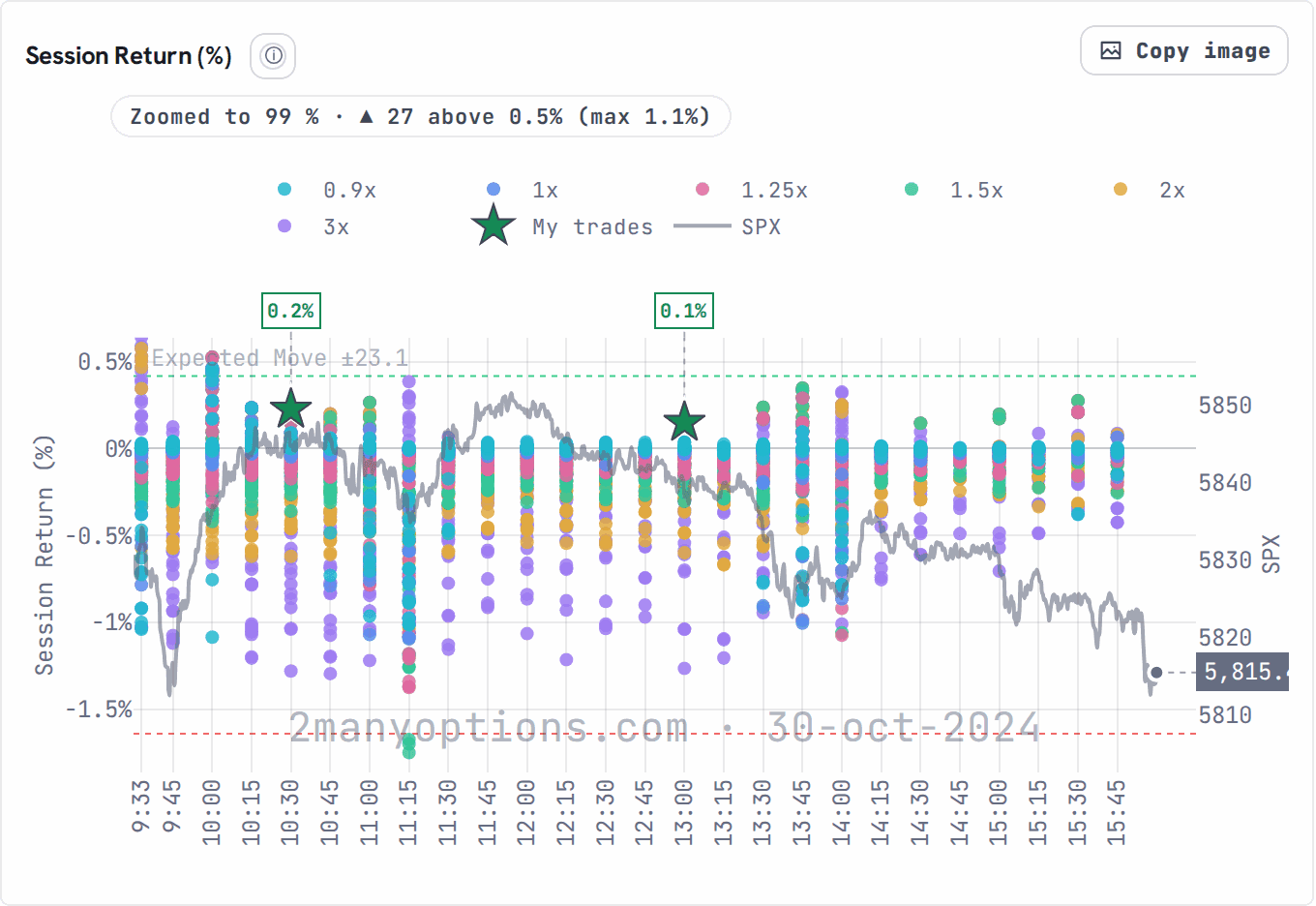
Screenshot · session of 2024-10-30 · example trades Is your edge still alive?
PROMulti Timeframe puts Full History, 2 Years, 1 Year and YTD side by side, on one colour scale.
Open Multi Timeframe →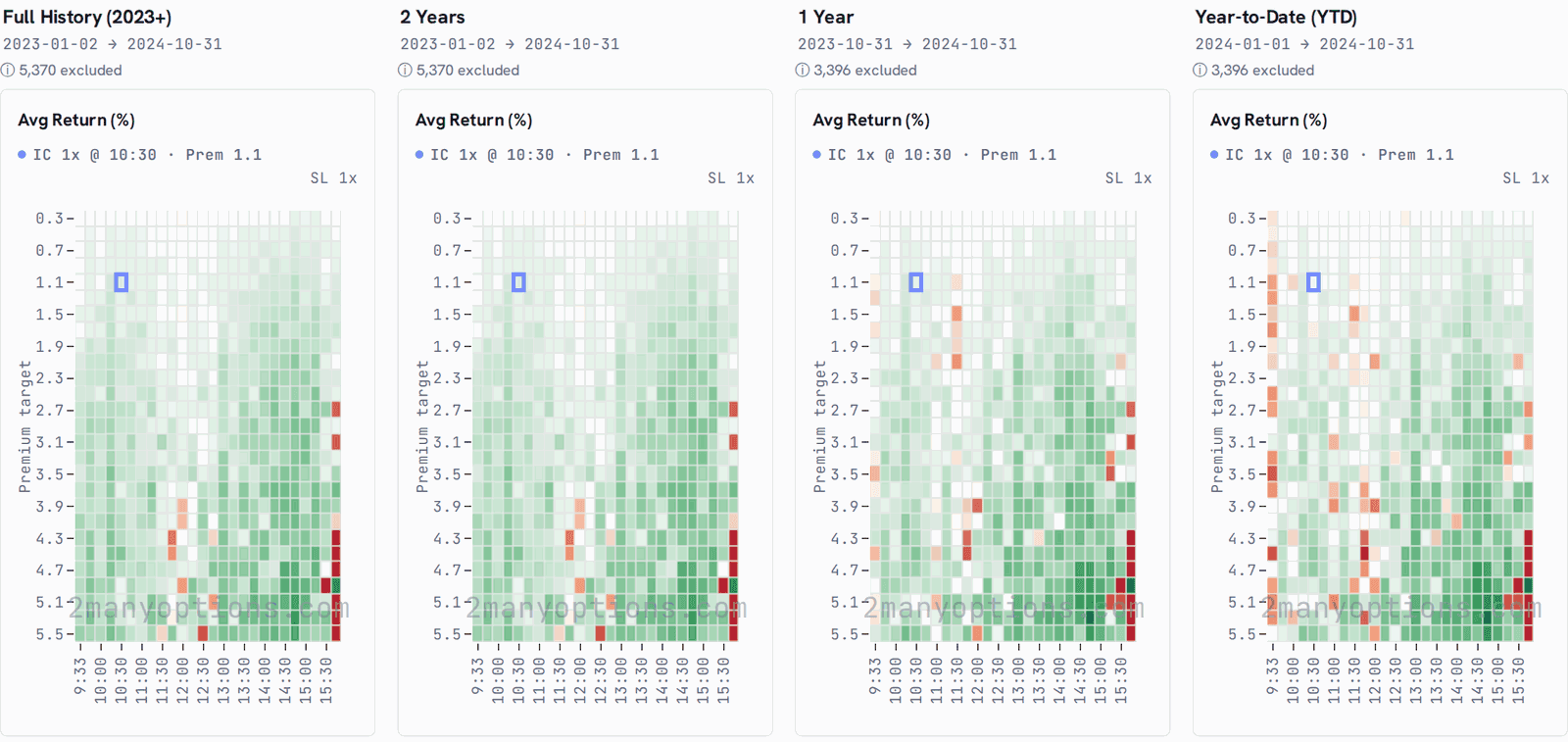
Screenshot · data through 2024-10-31 How long can a losing streak run?
PROMontecarlo reshuffles blocks of measured sessions into thousands of paths, so drawdowns and streaks show up as a range.
Open Montecarlo →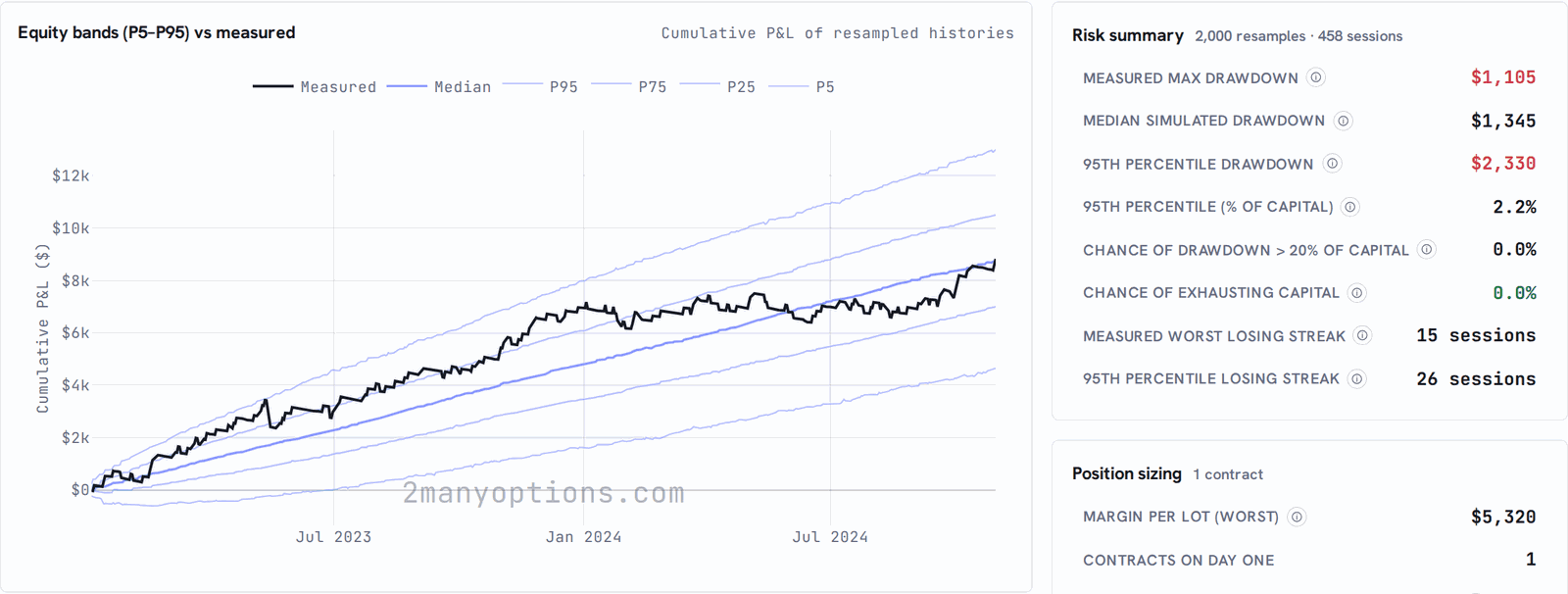
Screenshot · data through 2024-10-31 Where do the losses come from?
PROFilter Analytics splits a configuration's results by stop, entry time, weekday, VIX regime, exit reason and profit target.
Open Filter Analytics →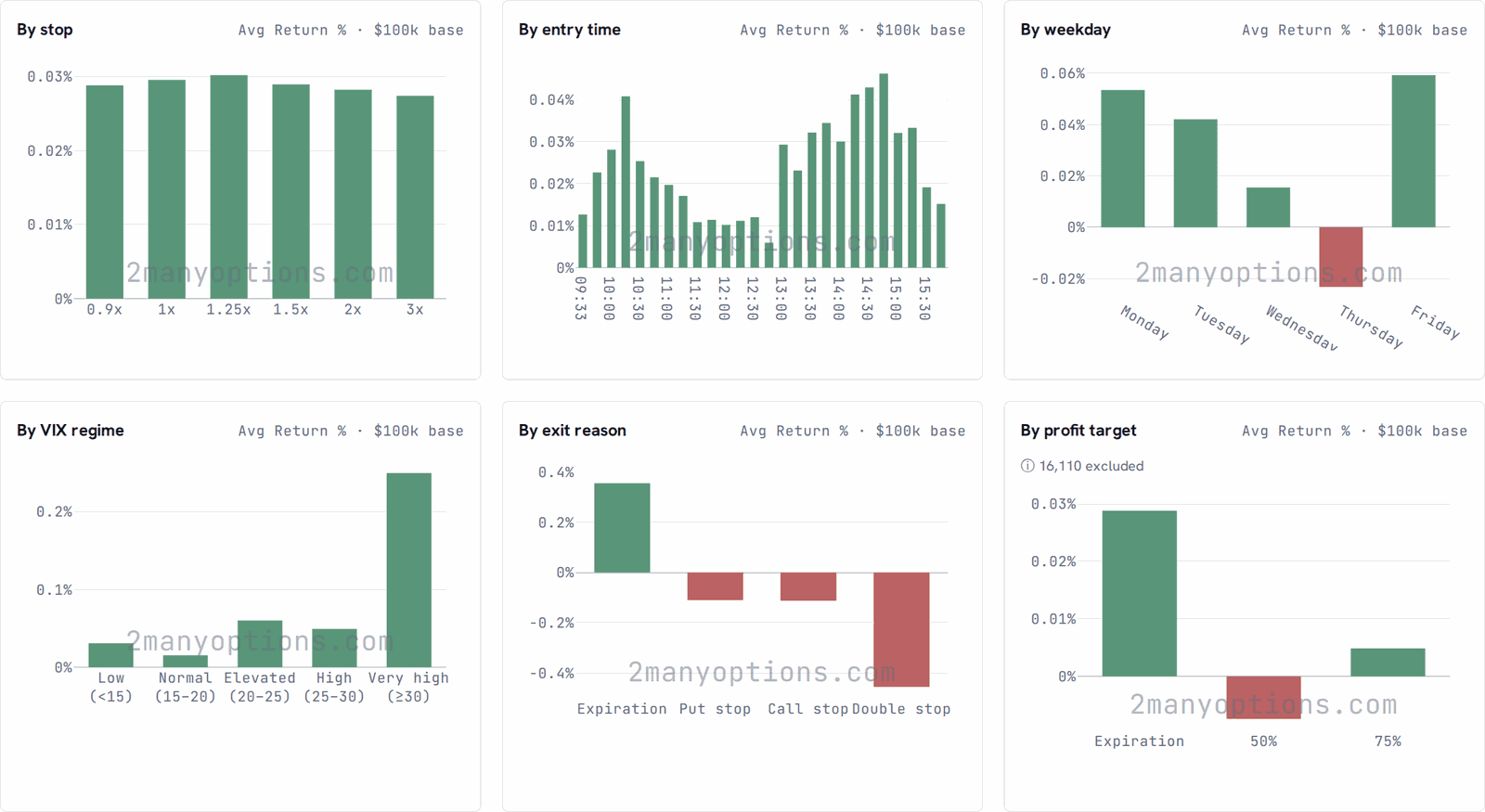
Screenshot · data through 2024-10-31 What do your entries add up to?
PROSaved Entries keeps the configurations you save in one library, with each one's P&L and the combined one.
Open Saved Entries →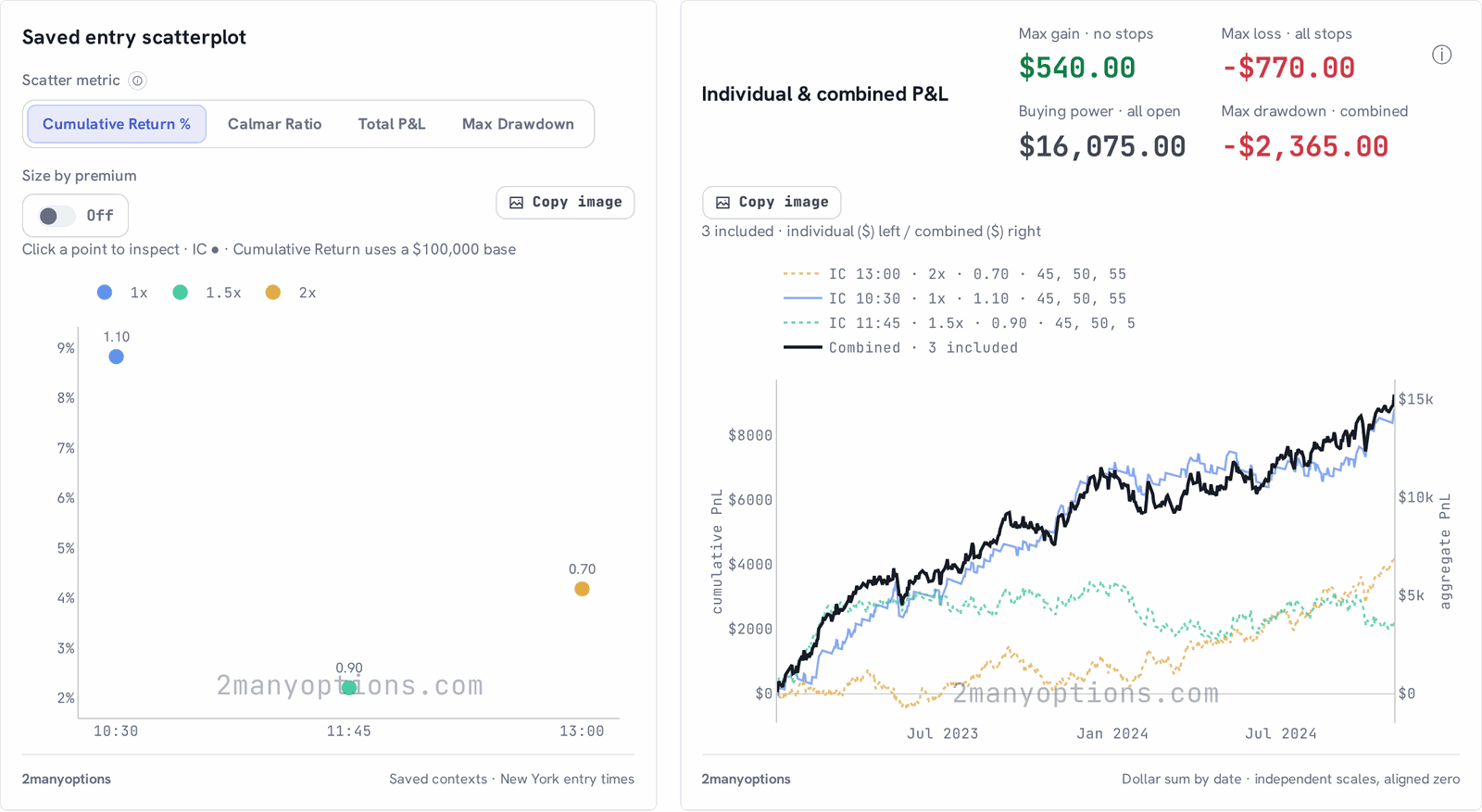
Screenshot · data through 2024-10-31 What held up, and what stands alone?
PREMIUMThe Scanner ranks precomputed backtests by the metric you pick. Zones flag results among neighbours that held up.
Open Scanner →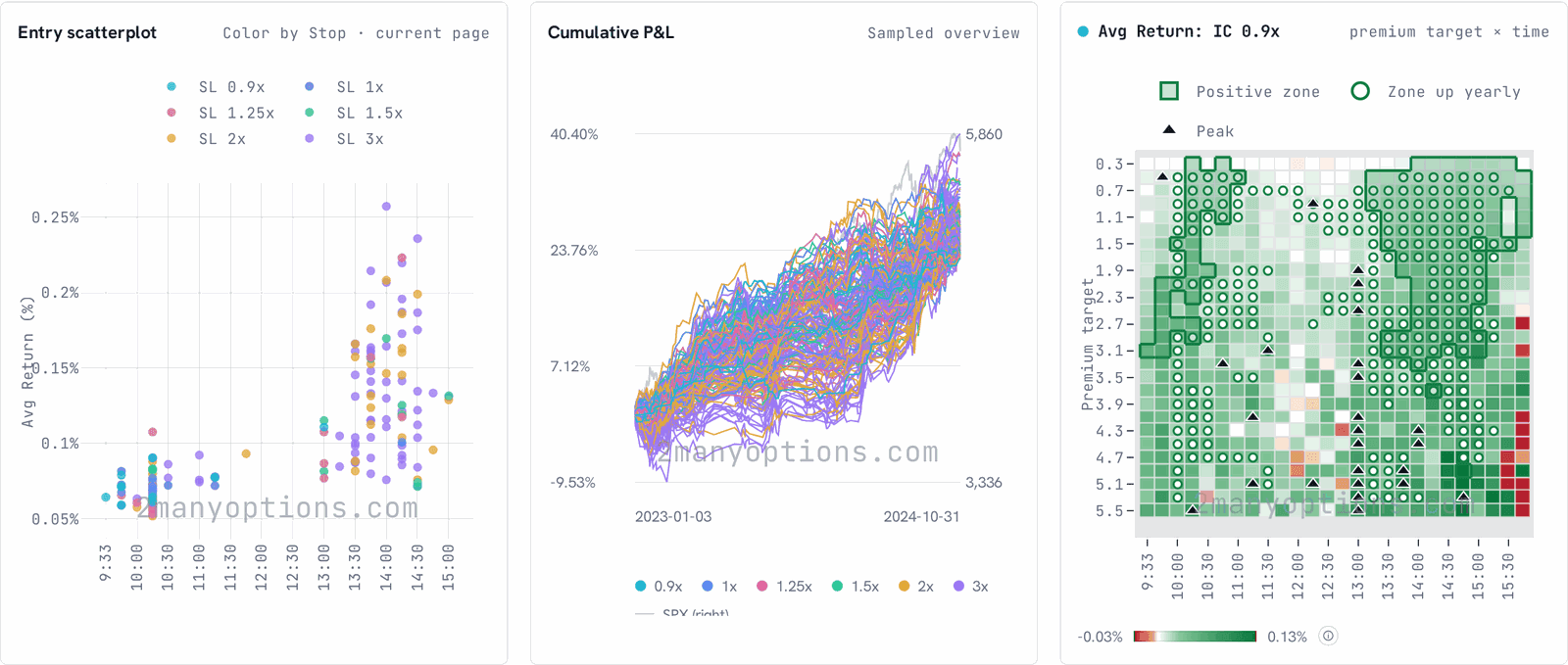
Screenshot · data through 2024-10-31 Would the ranking have held the year after?
PREMIUMWalk Forward picks from past sessions only, then measures the year it never saw. It tests the process, not the past.
Open Walk Forward →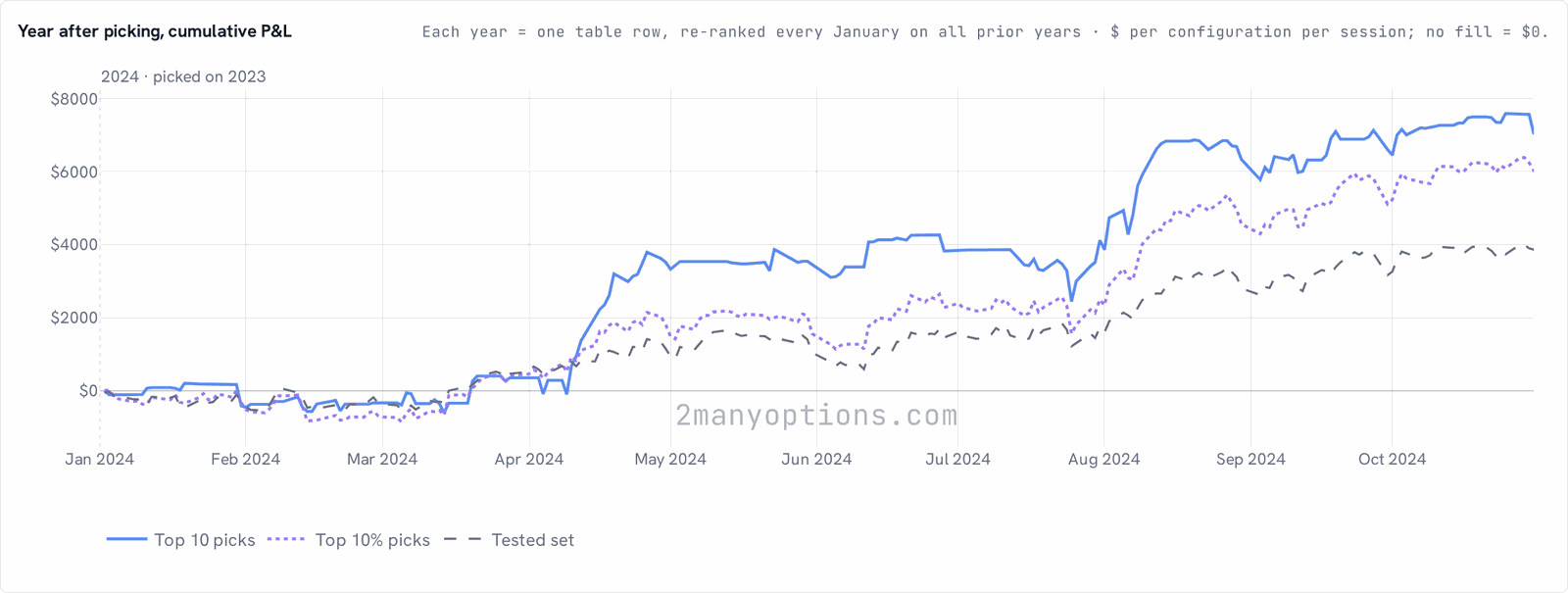
Screenshot · 2024, ranked on 2023 · through 2024-10-31 What has it done since you picked it?
PREMIUMFollowing tracks your saved entries from a start date, and shows what each one did since.
Open Following →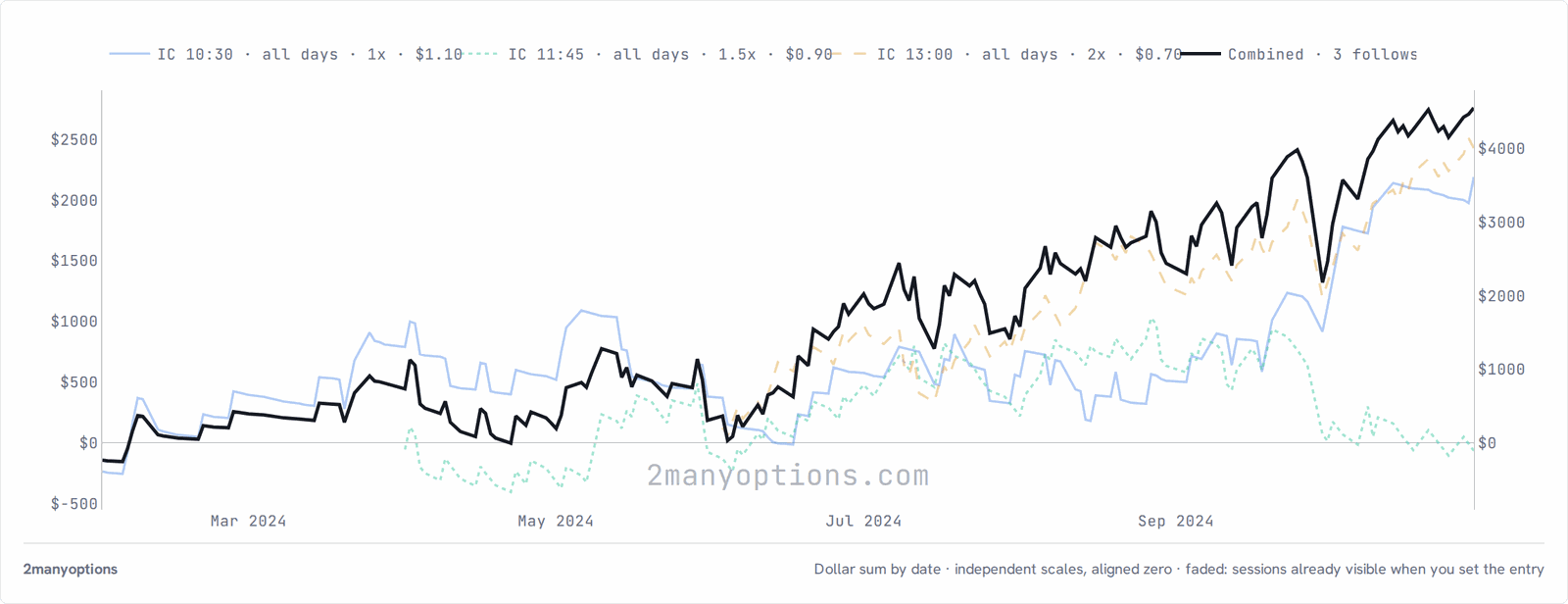
Screenshot · data through 2024-10-31